


Sell the better room before the guest arrives
Concierva shows your guests the extras that fit their booking: a bigger room, an earlier check-in, a later check-out, breakfast, parking or any service you already sell. Each offer appears only when it can really be delivered on those dates. When a guest says yes, the request comes to reception, and the price goes on the folio once you approve it.
The suite stays empty, and nobody asked
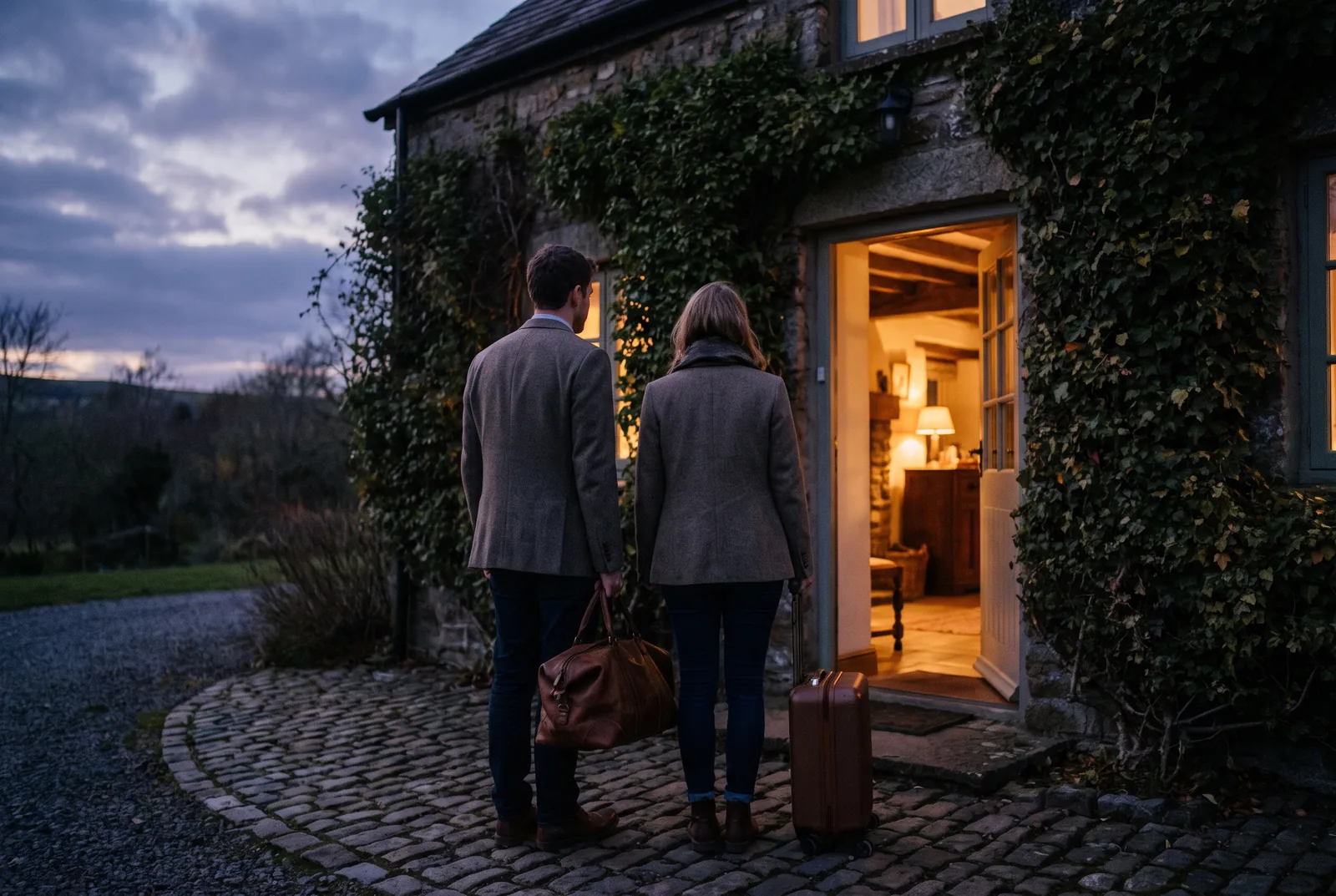
A couple booked the standard double for three nights. Your junior suite on the top floor is free on exactly those nights. At check-in the desk is busy, nobody mentions it, and the suite stays empty. The same happens with the family that lands at nine in the morning and would gladly pay to have the room before two, or the guest who skipped breakfast and buys a coffee down the road. Small sales, lost because there was no good moment to offer them.
How it works
Set up your offers
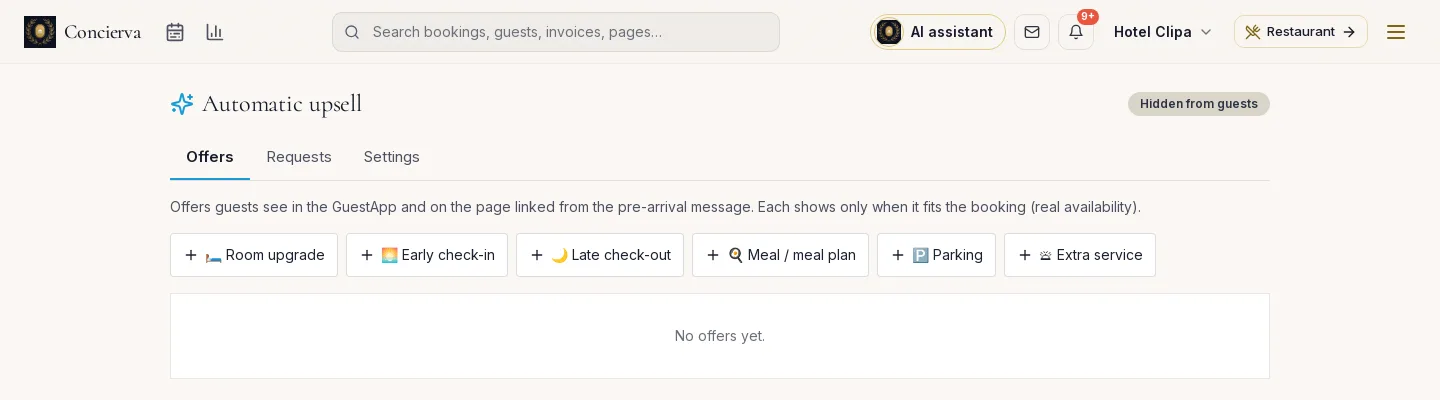
Choose from six types: room upgrade, early check-in, late check-out, meal plan, parking and extra services. Add a price, a photo and the text in your guests' languages.
Guests see what fits
Offers appear on the guest's online page and, if you turn it on, in a message a few days before arrival. Each one is checked against the booking and against free rooms on every night.
You approve, the folio updates
The request reaches reception. When you approve, Concierva checks availability again, changes the room or the times and adds the line to the folio.
What it does
Six kinds of offer
Room upgrade, early check-in, late check-out, breakfast or half board, parking, and any extra service you already sell.
Only what is really free
An upgrade appears only if the better room type is free on every night of the stay. Early check-in only if a room is free the night before.
You approve by default
Every offer starts with manual approval. If you are happy for breakfast to go straight onto the bill, untick it for that offer.
A message before arrival
An optional e-mail, five days before arrival by default, sent once and only when the booking has at least one offer. It stays off until you turn it on.
Pay online or at the hotel
If you take online payments, the guest can pay after you approve. Otherwise the amount is settled at the hotel.
A report that counts it
Requests, approvals, refusals and revenue by type of offer, plus a dashboard card for the last 30 days.
Offering extras at the desk / With Concierva
- Offering extras at the deskWith Concierva
- Remembered only when the desk is quietShown to every guest whose booking fits
- An upgrade promised, then no roomChecked against free rooms on every night, twice
- Extras on a slip of paper, added at check-outOn the folio the moment you approve
- No idea what extras bring inRevenue by type of offer in one report
- The same pitch for everyoneEach guest sees only what fits their dates and room
Questions
Do guests see offers straight away?
Only after you switch it on. Offers stay hidden from guests until you tick the setting, and the pre-arrival message is off by default.
What if the better room sells in the meantime?
When you approve, Concierva checks availability again. If the room is gone, the request is marked unavailable and nothing changes on the booking.
Can the guest pay online?
Yes, if your property takes online payments in Concierva and you enable payment after confirmation. Otherwise the amount is paid at the hotel.
Who sees the offers?
Guests with a confirmed booking, until they leave. Upgrades are offered only before arrival.
Do I have to write each offer in every language?
You write the title and text in your language. Concierva can fill in the missing languages, and you check them before saving.
 Read the article
Turning website visitors into guests, without commission
The small changes on your own website that bring bookings back from the platforms.
 Read the article
The 20 questions guests ask on Booking.com, with model answers
From parking to late check-in: the questions that fill a Booking.com inbox, grouped by stage of the stay, with answers you can adapt today.
The better room, offered at the right moment
Tell us which rooms and extras you sell and we will set up your first offers with you.